Every Back Office Support Client Needs a Playbook

woman and man looking at laptop screen

Here’s the specific information that should be included.

By Penny Breslin
It’s Not Just the Numbers

We use OneNote to create a firm playbook for each client we work with. This program allows you to record voice and video and save it to a page or implant videos directly into the relevant OneNote page.

MORE: You Have to Manage Three Kinds of Procedures | Federated Search: What It Is, Why It Matters | Accounting Tech Tools to Minimize Your Pain | Do Your Apps Play Well with Others? | It’s OK to Have Favorite Clients | Ten Questions for Teamwork | Yes, You Can Be an Outsourcer
GoProCPA.comExclusively for PRO Members. Log in here or upgrade to PRO today.

We get lots of Zoom recordings on procedures from firms. In our world, the OneNote template has a specific page for all videos as a subpage for each client. This OneNote book resides on the shared server so that all the team members can access it at any time to verify, review or update procedures.
READ MORE →

You Have to Manage Three Kinds of Procedures

Smiling woman using smartphone

Need help with internal procedures? Here are three apps for organizing them.

By Penny Breslin
It’s Not Just the Numbers

There is a symbiotic relationship between your technology and your processes. You have to consider both, or you won’t get the full benefit.

MORE: Federated Search: What It Is, Why It Matters | Creating a Back Office Support Playbook | Strengthen Client Ties with Workflow Tools | Understand Your Online Marketing Options | Narrow Your Prospects by Choosing a Vertical | Build Your Team, Then Choose Your Clients | How Back Office Support Adds Value
GoProCPA.comExclusively for PRO Members. Log in here or upgrade to PRO today.

McKinsey Global has been researching the impact of automation around the world, and (no surprise) found that when companies try to retrofit technology to fit into existing processes, “companies end up with a patchwork of incongruous technology tools that automate separate and distinct parts of the process. This approach is fine for capturing the first 5 percent or so of automation’s impact. But unlocking the full potential requires a fundamentally different way of thinking. To capture that potential, managers must be willing to re-engineer their processes completely.”
READ MORE →

Federated Search: What It Is, Why It Matters

.
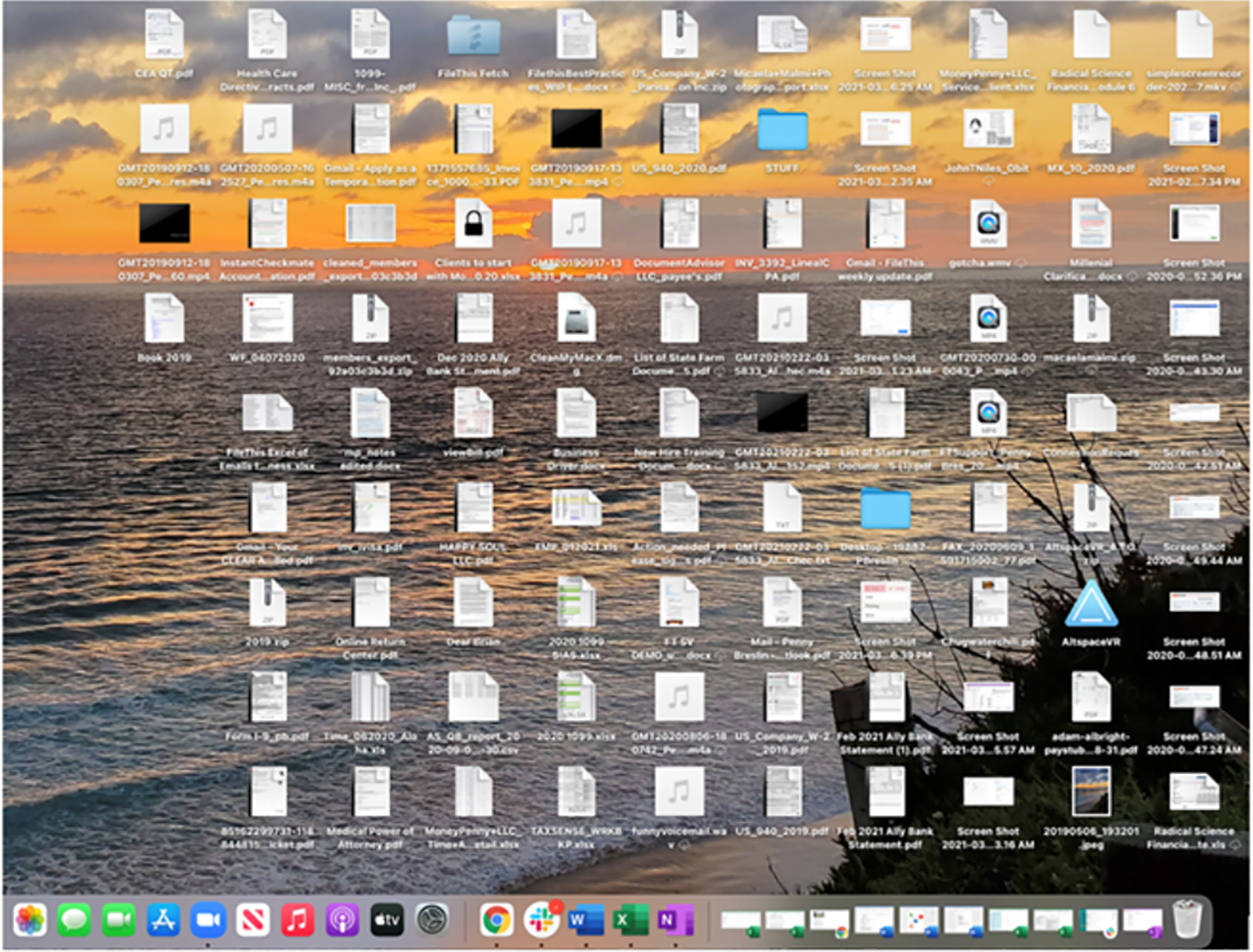
computer screen littered with icons
Take a look at your team’s desktops.


Imagine a world without subfolders.

By Penny Breslin
It’s Not Just the Numbers

Much has been done to help people deal with information overload. Desktop search tools have made it easier to find a piece of data hidden among all the other data stored on your system. But what about all the data available on portals, stored in shared drives, and trapped in business applications, let alone the valuable information stored in various employees’ heads?

MORE: Creating a Back Office Support Playbook | Tech Tips for Back Office Support | Decoding Accounting Tech (and All Those Acronyms) | Digital Marketing Strategies Level the Playing Field | Eight Tasks to Delegate Today | Advisory Services Done Your Way | AI Is Not Your Enemy
GoProCPA.comExclusively for PRO Members. Log in here or upgrade to PRO today.

This information is vital to your firm. Employees need this data to do their jobs, and they need it quickly.
READ MORE →

Creating a Back Office Support Playbook

Process Touch Screen Showing Workflow Design

How to develop procedures every client can follow.

By Penny Breslin
It’s Not Just the Numbers

As back office support, you assist your clients in making timely and accurate business decisions. In the past, you worked on hourly billing doing compliance management. Everything was about time.

MORE: Tech Tips for Back Office Support | Accounting Tech Tools to Minimize Your Pain | Do Your Apps Play Well with Others? | It’s OK to Have Favorite Clients | Ten Questions for Teamwork | Yes, You Can Be an Outsourcer | How Back Office Support Adds Value
GoProCPA.comExclusively for PRO Members. Log in here or upgrade to PRO today.

When you did work for a client, you may have billed out an $18-per-hour employee at a rate of $60 per hour. When your employee took the time to call the client for the documents, walked down the hall to ask someone how they had previously handled a transaction, then waited for a document to show up with nothing to do until it showed up – all of this time was billed hourly.
READ MORE →

Workflow Tools Only as Good as Their Users

Software is just the beginning. Consistency is the key.

By Penny Breslin
It’s Not Just the Numbers

Workflow. Tasking. These two words are thrown around quite a bit and sometimes they are used interchangeably. So, let’s get this part defined a bit more.

MORE: Tech Tips for Back Office Support | Accounting Tech Tools to Minimize Your Pain | Do Your Apps Play Well with Others? | It’s OK to Have Favorite Clients | Ten Questions for Teamwork | Yes, You Can Be an Outsourcer
GoProCPA.comExclusively for PRO Members. Log in here or upgrade to PRO today.

Workflow definition: noun, the sequence of industrial, administrative or other processes through which a piece of work passes from initiation to completion

Tasking definition: noun, a piece of work to be done or undertaken

verb, assign a piece of work to

Workflow is always a noun and tasking can be either a noun or a verb. No wonder people get this confused.
READ MORE →